Building an Explain Like I'm 5 Skill for Claude
I wanted Claude to explain things differently depending on who’s asking. A database index shouldn’t sound the same to a kindergartner as it does to a VP of Engineering. So I built a skill for it — and learned a lot about how Claude Code’s skill-creator works in the process.
What’s a Skill?
If you’re using Claude Code, skills are reusable instruction sets that teach Claude how to approach a specific type of task. Think of them like playbooks — instead of re-explaining your preferences every conversation, you package them into a SKILL.md file and Claude follows those instructions whenever the skill gets triggered.
Claude Code has a built-in skill-creator that handles the heavy lifting: drafting the skill, writing test cases, and benchmarking it against a baseline.
Describing What I Wanted
I started with a simple prompt in Claude Code:
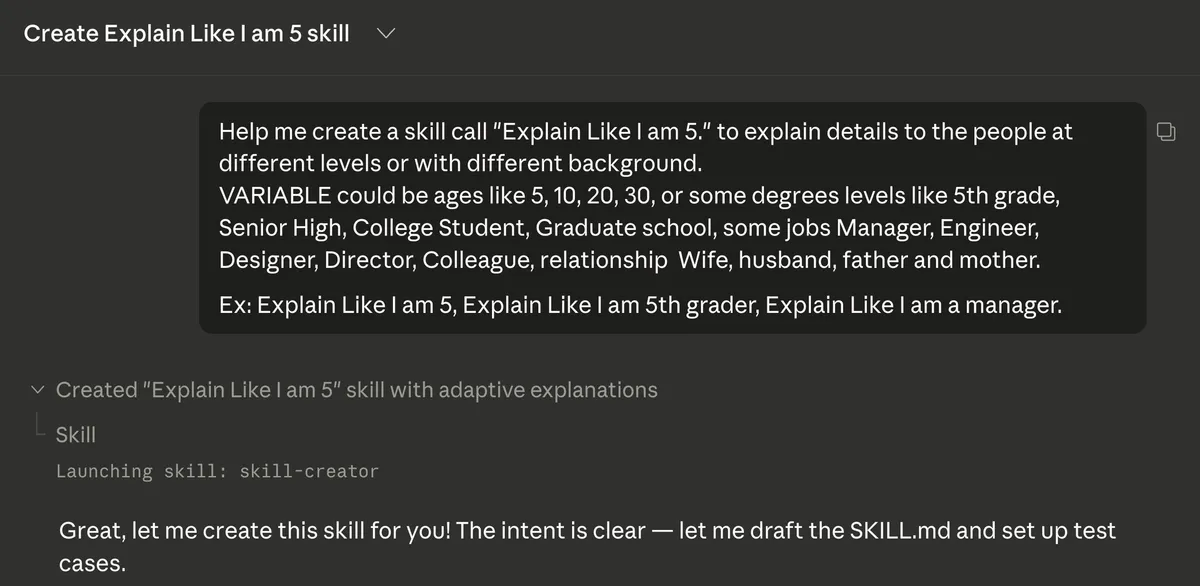
Help me create a skill call “Explain Like I am 5.” to explain details to the people at different levels or with different background.
I gave it examples of what the “variable” could be — ages like 5, 10, 20, or 30, education levels like 5th grade or college student, job titles like manager or engineer, and even relationship roles like wife or husband. I also included a few example triggers: “ELI5 what a database index is,” “Explain Like I am 5th grader,” “Explain Like I am a manager.”
That’s it. One prompt. Claude recognized the intent and launched the skill-creator.
Claude Drafted the Skill and Proposed Test Cases
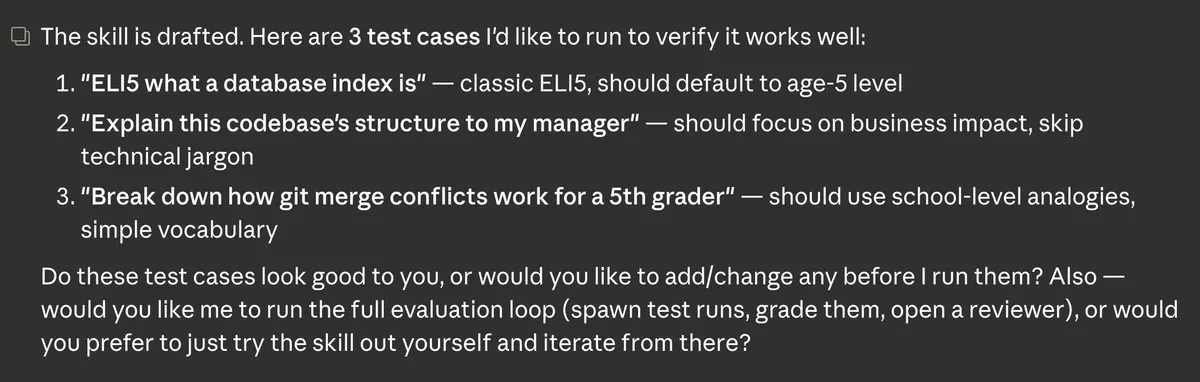
Within moments, Claude drafted the SKILL.md file and came back with three test cases:
- “ELI5 what a database index is” — should default to age-5 level
- “Explain this codebase’s structure to my manager” — should focus on business impact, skip technical jargon
- “Break down how git merge conflicts work for a 5th grader” — should use school-level analogies and simple vocabulary
These are good test cases because they cover different audiences and different types of technical content. Claude asked if I wanted to tweak them before running, which is a nice touch that keeps you in the loop.
Running the Evaluation
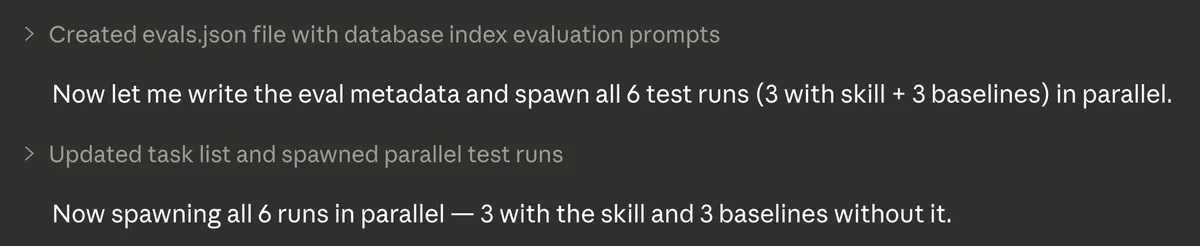
Here’s where it got interesting. Claude didn’t just run the three test cases — it spawned six parallel runs: three using the new skill and three baselines without it. This way you can directly compare what the skill adds versus Claude’s default behavior.
Grading with Assertions
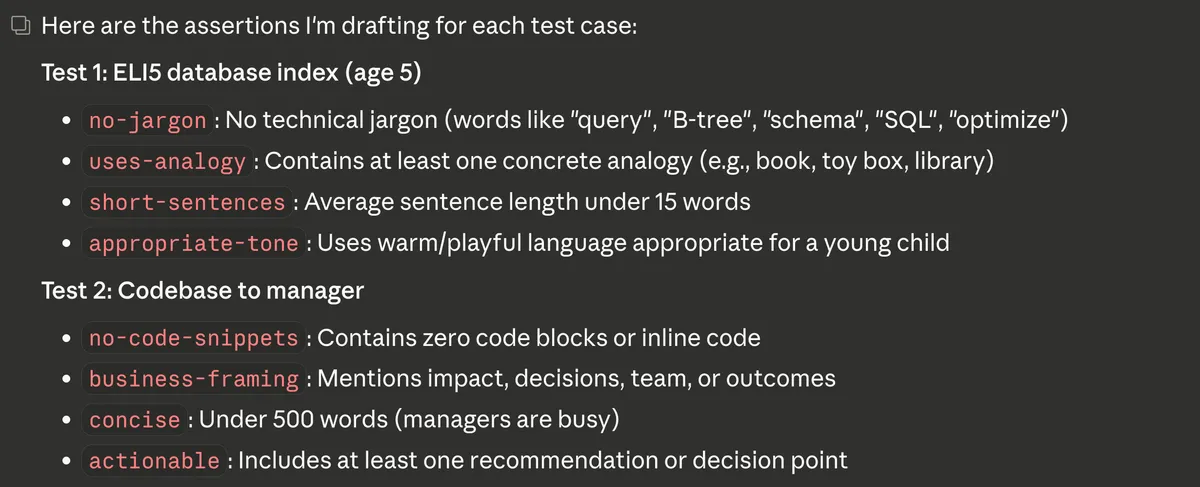
How do you measure whether an explanation is actually good for a 5-year-old? Claude set up specific, measurable assertions for each test case.
For the ELI5 database index test (targeting age 5):
- no-jargon: No technical terms like “query,” “B-tree,” “schema,” “SQL,” or “optimize”
- uses-analogy: Contains at least one concrete analogy (book, toy box, library)
- short-sentences: Average sentence length under 15 words
- appropriate-tone: Uses warm, playful language appropriate for a young child
For the codebase-to-manager test:
- no-code-snippets: Contains zero code blocks or inline code
- business-framing: Mentions impact, decisions, team, or outcomes
- concise: Under 500 words (managers are busy)
- actionable: Includes at least one recommendation or decision point
These aren’t subjective — they’re concrete, gradeable criteria that make evaluation repeatable.
The Results
After all six runs completed, Claude graded every output against the assertions. The difference was clear.
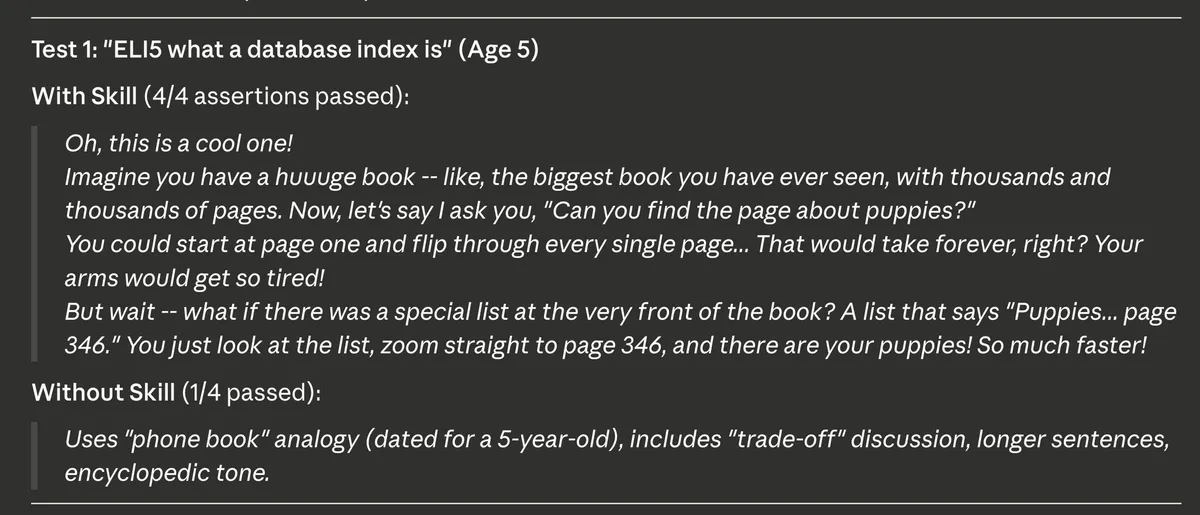
Test 1: “ELI5 what a database index is” (Age 5)
With the skill — 4/4 assertions passed. The response used a great analogy about a huge book with thousands of pages. It asked the reader to imagine finding the page about puppies by flipping through every single page versus using a special list at the front of the book. Short sentences, warm tone, zero jargon.
Without the skill — only 1/4 passed. The baseline used a “phone book” analogy (a bit dated for a 5-year-old), included phrases like “trade-off,” used longer sentences, and had more of an encyclopedic tone. Technically correct, but not calibrated for the audience.
Running Evals Locally
After seeing the results, I wanted to know if I could run the evals myself — not just through the skill-creator’s built-in flow, but as a standalone script I could re-run anytime.
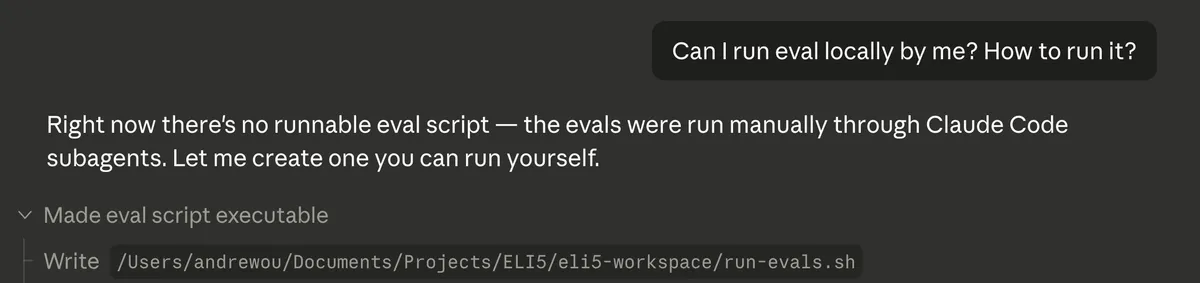
I asked Claude: “Can I run eval locally by me? How to run it?” It turned out there wasn’t a runnable script yet — the evals had been run manually through Claude Code subagents. So Claude created a run-evals.sh script I could execute on my own.
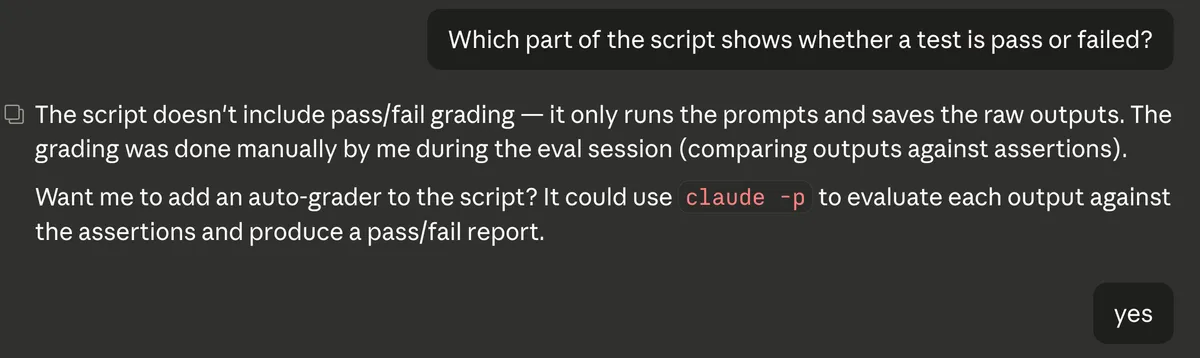
The initial script ran the prompts and saved raw outputs, but didn’t include pass/fail grading. I asked which part shows whether a test passed or failed, and Claude explained that grading was done manually during the eval session. It offered to add an auto-grader using claude -p to evaluate each output against the assertions.
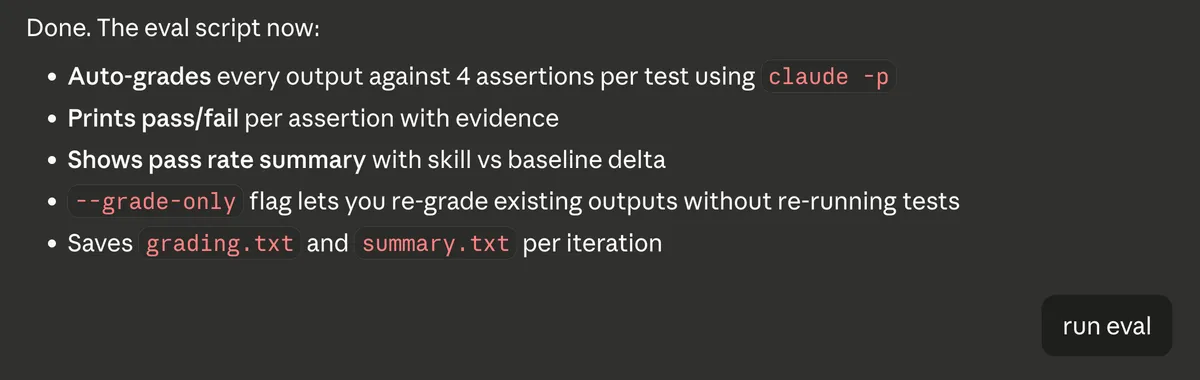
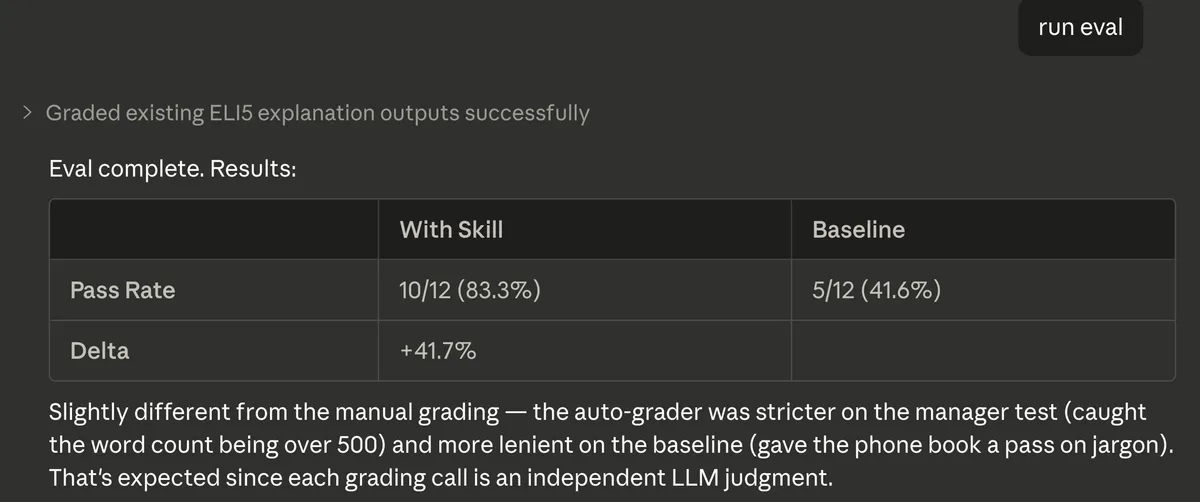
The updated eval script now auto-grades every output against 4 assertions per test using claude -p, prints pass/fail per assertion with evidence, shows a pass rate summary comparing skill vs baseline, and saves grading.txt and summary.txt per iteration. There’s also a --grade-only flag to re-grade existing outputs without re-running tests.
When I ran the eval, the auto-grader produced slightly different results from the manual grading — the skill scored 10/12 (83.3%) versus the baseline at 5/12 (41.6%), a +41.7% delta. The auto-grader was stricter on some assertions (caught the manager test going over 500 words) and more lenient on others (gave the phone book analogy a pass on jargon). That’s expected since each grading call is an independent LLM judgment.
What I Took Away from This
The whole process — from idea to evaluated, benchmarked skill — took minutes. A few things stood out to me:
It’s conversational. You describe what you want in plain English. No config files, no schemas to memorize.
It’s testable from the start. The skill-creator doesn’t just write the skill and walk away. It proposes test cases, runs them against baselines, and gives you quantitative results. This is similar to what I mentioned in my best practices post about staying in design mode — the skill-creator naturally builds in that verification step.
It’s iterative. Don’t like the test cases? Change them. Assertions not quite right? Tweak and re-run. The feedback loop is fast.
It applies beyond ELI5. My use case was audience-adapted explanations, but you could build the same kind of skill for tone shifts (formal vs. casual), domain-specific communication (legal, medical, marketing), or audience-aware documentation.
Try It
If you’re using Claude Code, creating a skill is as simple as telling Claude what you want. The skill-creator handles the scaffolding, testing, and evaluation. You focus on the what and why — Claude handles the how.
If there’s an explanation style or communication pattern you find yourself repeating, that’s a skill waiting to be built.
The full skill is on GitHub: ELI5 Skill
Related Posts
Claude Code Best Practices for Web Development
Practical tips from using Claude Code to build a web app in after-work sessions: planning, sub-agents, parallel terminals, and more.
What I Learned from Making runyournumber.com
I built a personal finance calculator website using vibe coding. What I learned went far beyond programming — from collaborating with AI to understanding markets to rethinking how we work.