Building an Explain Like I'm 5 Skill for Claude
I kept running into the same problem: I’d ask Claude to explain something, and the response would be pitched at the wrong level. A database index explanation for a 5-year-old shouldn’t read like a textbook entry. So I built a skill to fix that — here’s how it went.
What’s a Skill?
Skills in Claude Code are reusable instruction sets packaged into a SKILL.md file. Instead of re-explaining your preferences every conversation, you write them down once and Claude follows them whenever the skill gets triggered. There’s a built-in skill-creator that helps draft the skill, write test cases, and benchmark it.
The Starting Prompt
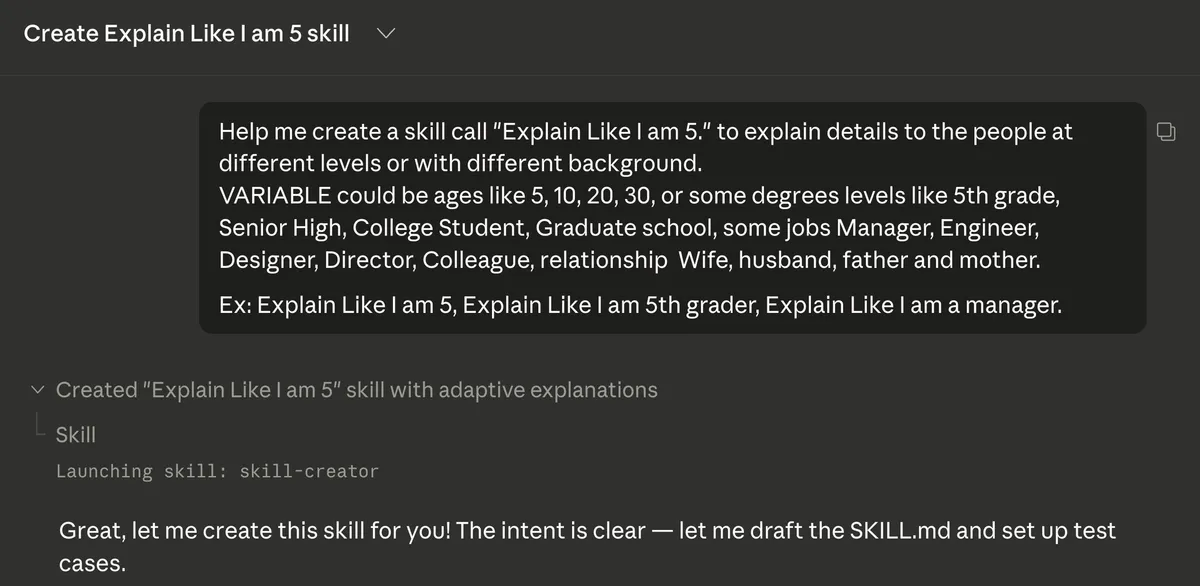
I gave Claude a prompt describing what I wanted:
Help me create a skill call “Explain Like I am 5.” to explain details to the people at different levels or with different background.
I included examples of what the audience variable could be — ages (5, 10, 20, 30), education levels (5th grade, college student), job titles (manager, engineer), relationship roles (wife, husband). I also gave a few example triggers: “ELI5 what a database index is,” “Explain Like I am 5th grader,” “Explain Like I am a manager.”
The skill-creator picked it up from there.
Here’s what the final skill looks like (truncated — full version on GitHub):
---
name: eli5
description: "Explain any topic, code, concept, or error tailored to a
  specific audience's level of understanding. Use this skill whenever the
  user says 'explain like I am', 'ELI5', 'explain this to my',
  'break this down for', 'dumb it down', 'simplify this for', or asks
  you to explain something to a specific person or audience type."
---

# Explain Like I Am... (ELI5)

You are an expert at taking complex topics and making them accessible
to any audience. Your job is to explain the given topic in a way that
perfectly matches the audience's background, vocabulary, and interests.

## Step 1: Identify the Audience

Parse the user's request to determine who the explanation is for.
The audience falls into one of these categories:

### Ages
| Audience   | Style                                                                                    |
|------------|------------------------------------------------------------------------------------------|
| Age 5      | Super simple words. Use fun analogies with toys, animals, candy, playground.              |
| Age 10     | Elementary school level. Can handle basic cause-and-effect. School, sports analogies.      |
| Age 15     | Teenager. Can handle some abstraction. Use social media, phone, gaming references.         |
| Age 20-30  | Young adult. Clear and direct. Real-world analogies from daily life, work, money.          |
| Age 40+    | Mature adult. Respectful tone. Analogies from home ownership, career, family management.   |

### Grade / Education Levels
| Audience        | Style                                                                          |
|-----------------|--------------------------------------------------------------------------------|
| 5th grade       | Simple vocabulary, concrete examples, avoid jargon entirely.                    |
| Middle school   | Can introduce basic terminology with definitions. Step-by-step logic.            |
| Senior High     | Can handle moderate complexity. Introduce proper terms but explain them.         |
| College Student | Academic framing. Can use technical terms with brief context.                    |
| Graduate school | Assume strong foundational knowledge. Focus on nuance, trade-offs, edge cases.   |

### Job Roles
| Audience        | They care about...                     | Frame explanations around...              |
|-----------------|----------------------------------------|-------------------------------------------|
| Manager         | Impact, timeline, risk, cost           | Business outcomes, team implications      |
| Engineer        | How it works, architecture, trade-offs | Technical details, implementation         |
| Designer        | User experience, visual impact, flow   | How it affects the user                   |
| Director        | Strategy, ROI, competitive advantage   | Big picture, market position              |
| Product Manager | User value, priorities, scope          | Feature impact, user stories              |

### Relationships
| Audience        | Tone                                   | Analogy style                             |
|-----------------|----------------------------------------|-------------------------------------------|
| Wife / Husband  | Warm, conversational, patient          | Household tasks, shared experiences       |
| Father / Mother | Respectful, clear, no condescension    | Familiar technology, home analogies       |
| Kids / Children | Playful, encouraging, short            | Games, cartoons, school, animals          |
| Friend          | Casual, maybe humorous                 | Pop culture, shared interests             |

If the audience isn't explicitly stated, default to "Age 5" (classic ELI5).
Test Cases
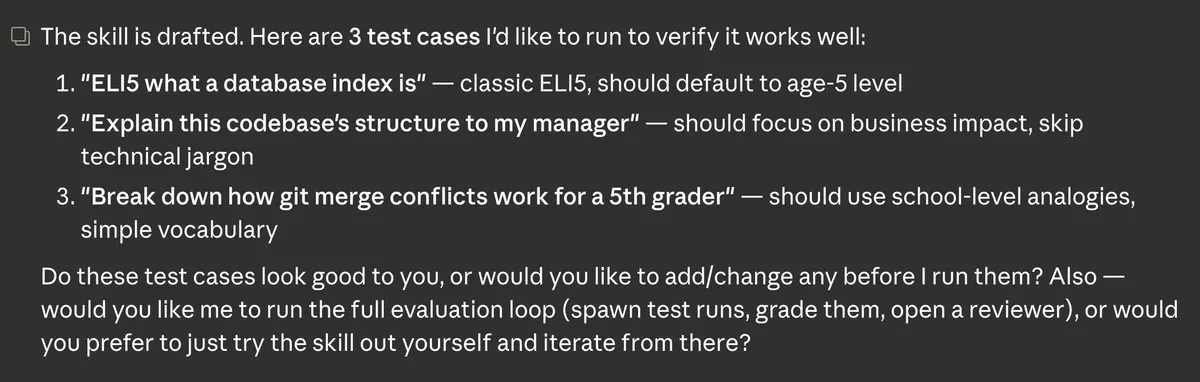
The skill-creator drafted the SKILL.md file and proposed three test cases:
- “ELI5 what a database index is” — should default to age-5 level
- “Explain this codebase’s structure to my manager” — should focus on business impact, skip technical jargon
- “Break down how git merge conflicts work for a 5th grader” — should use school-level analogies and simple vocabulary
These cover different audiences and different types of technical content. I was asked whether I wanted to tweak them before running, so there’s a chance to adjust before committing to the eval.
Evaluation of Skills
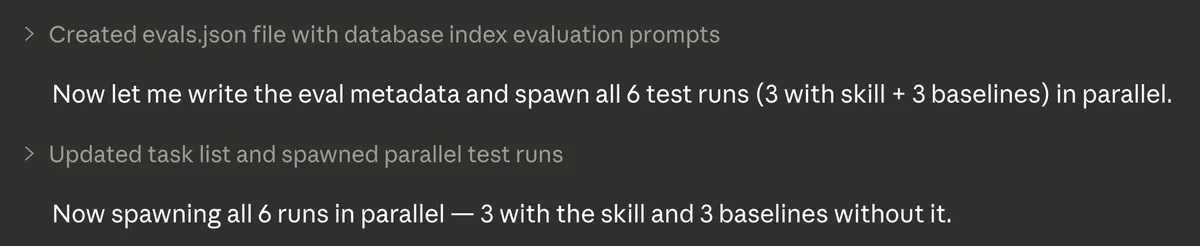
The evaluation ran six parallel instances: three with the skill and three baselines without it. This gives you a direct comparison of what the skill actually changes versus default behavior.
Grading Criteria
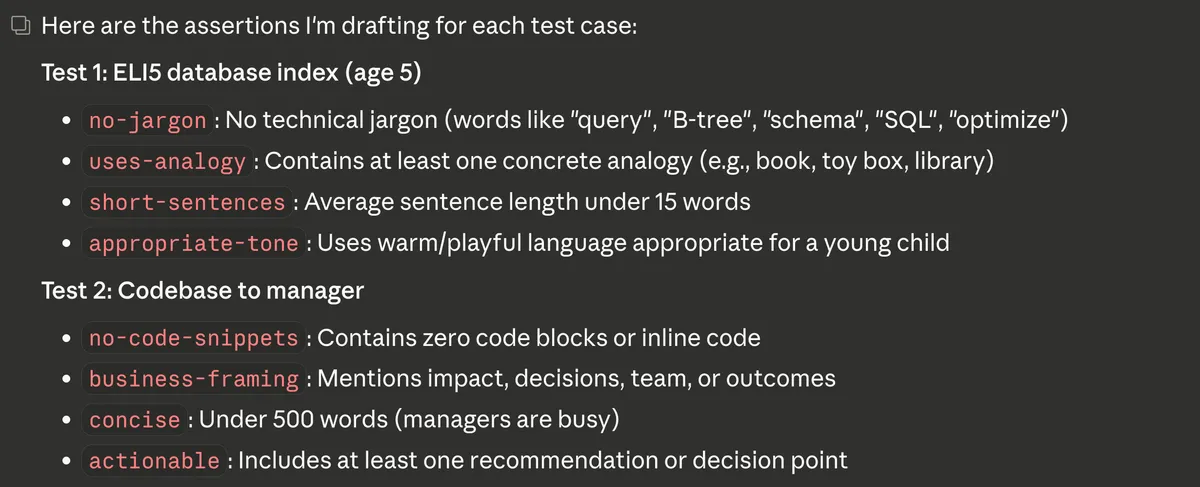
Each test case had specific assertions to grade against. For the ELI5 database index test (targeting age 5):
- no-jargon: No technical terms like “query,” “B-tree,” “schema,” “SQL,” or “optimize”
- uses-analogy: Contains at least one concrete analogy (book, toy box, library)
- short-sentences: Average sentence length under 15 words
- appropriate-tone: Uses warm, playful language appropriate for a young child
For the codebase-to-manager test:
- no-code-snippets: Contains zero code blocks or inline code
- business-framing: Mentions impact, decisions, team, or outcomes
- concise: Under 500 words (managers are busy)
- actionable: Includes at least one recommendation or decision point
Concrete criteria like these make grading repeatable — you’re not just eyeballing whether the output “feels right.”
Results
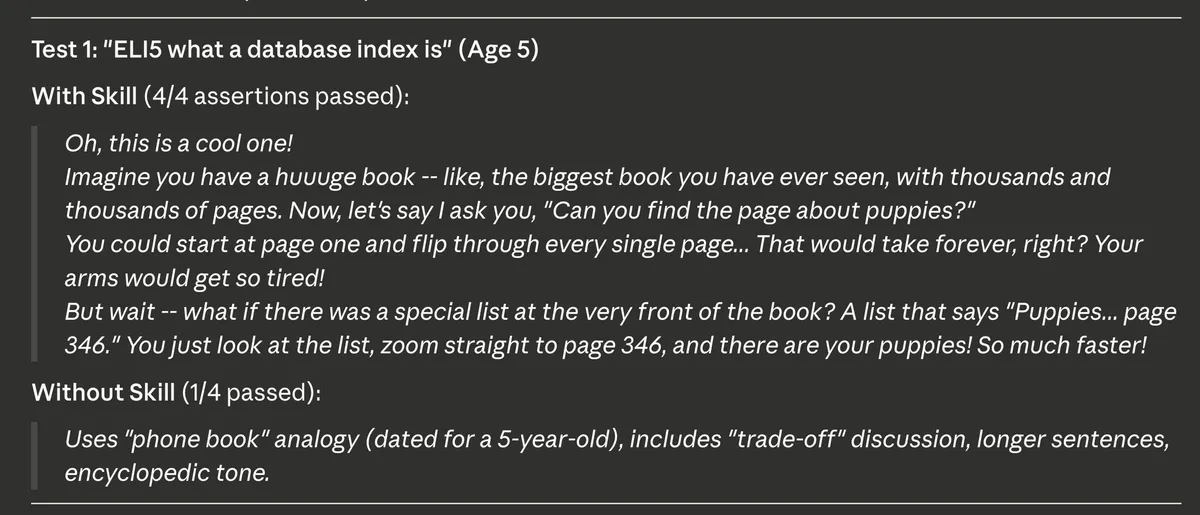
Test 1: “ELI5 what a database index is” (Age 5)
With the skill — 4/4 assertions passed. The response used an analogy about a huge book with thousands of pages and finding the page about puppies by flipping through every page versus using a list at the front. Short sentences, warm tone, no jargon.
Without the skill — 1/4 passed. The baseline used a “phone book” analogy (dated for a 5-year-old), included “trade-off,” used longer sentences, and had an encyclopedic tone. Technically correct, but not calibrated for the audience.
Running Evals Locally
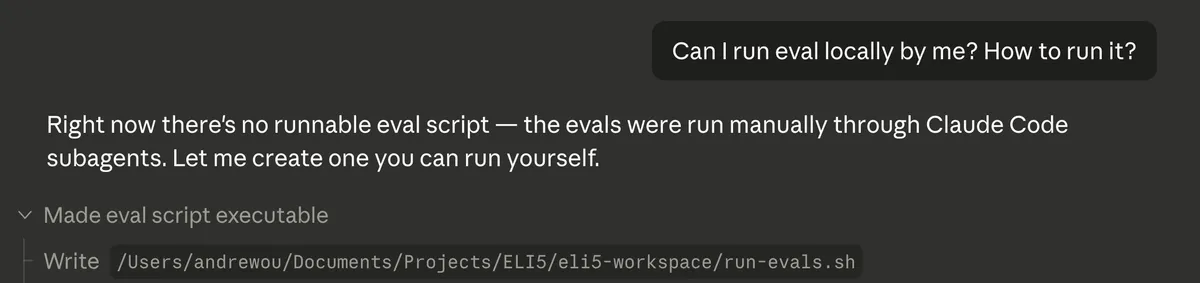
After the initial evaluation, I wanted a way to re-run evals on my own rather than going through the skill-creator flow each time. There wasn’t a standalone script yet — the evals had been run through Claude Code subagents — so I asked Claude to create one.
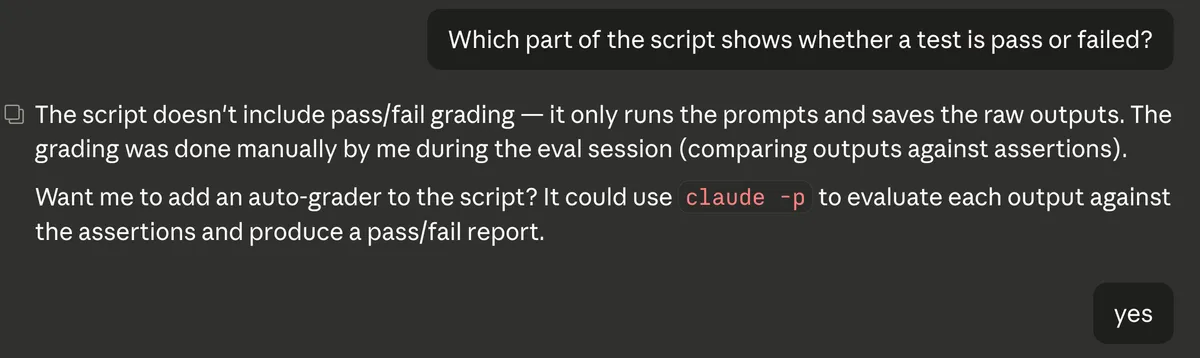
The first version of the script ran the prompts and saved outputs, but didn’t include pass/fail grading. I asked about that, and it turned out grading had been done manually during the eval session. I had Claude add an auto-grader that uses claude -p to evaluate each output against the assertions.
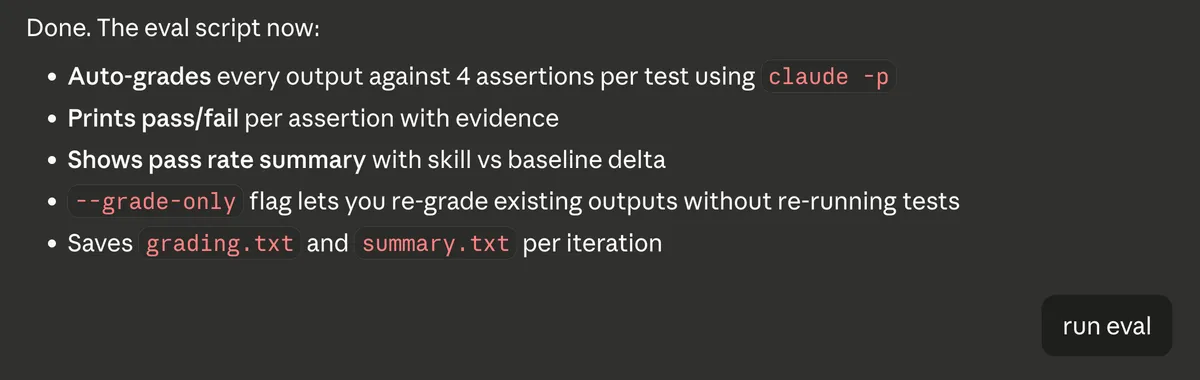
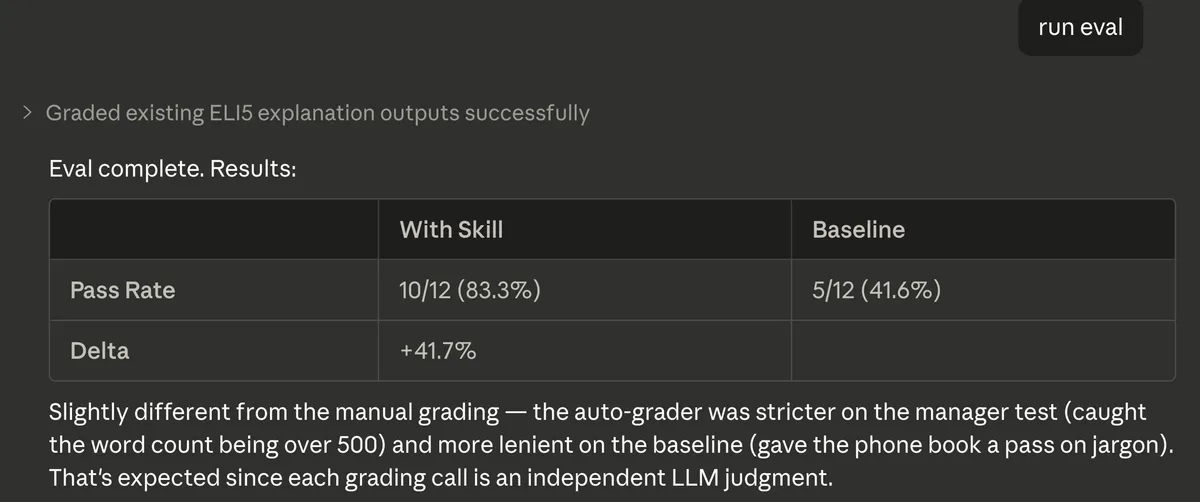
The updated script auto-grades every output against 4 assertions per test, prints pass/fail per assertion with evidence, shows a pass rate summary comparing skill vs baseline, and saves grading.txt and summary.txt per iteration. There’s also a --grade-only flag to re-grade existing outputs without re-running tests.
When I ran the eval, the auto-grader produced slightly different results from the manual grading — the skill scored 10/12 (83.3%) versus the baseline at 5/12 (41.6%), a +41.7% delta. The auto-grader was stricter on some assertions (caught the manager test going over 500 words) and more lenient on others (gave the phone book analogy a pass on jargon). That’s expected — each grading call is an independent LLM judgment, so there’s some variance.
What I Learned
A few things stood out:
Test before you ship. The skill-creator’s evaluation step is useful. It’s similar to what I mentioned in my best practices post about staying in design mode — having test cases and baselines before you commit to an implementation catches problems early.
Auto-grading isn’t deterministic. The LLM-based grader gave different scores than the manual grading session. If you’re relying on this for quality checks, run multiple iterations and look at the trend rather than any single result.
Run evals locally to fine-tune. The skill-creator runs an initial evaluation, but you’ll want to re-run evals yourself as you tweak the skill. Having a local eval script with written-down assertions means you can iterate on the SKILL.md, re-run, and compare results without going through the full skill-creator flow each time.
Skills are just markdown files. There’s no special format or schema — it’s a SKILL.md with instructions. This makes them easy to version, share, and iterate on. If you find yourself repeating the same kind of prompt, it’s worth packaging into a skill.
The full skill is on GitHub: ELI5 Skill
Related Posts
How to Evaluate a Claude Code Skill
Evals aren't tests. Here's how I built an evaluation pipeline for my ELI5 skill — A/B runs, LLM-as-judge grading, and why traditional assertions don't work for LLM output.
Claude Code Best Practices for Web Development
Practical tips from using Claude Code to build a web app in after-work sessions: planning, sub-agents, parallel terminals, and more.
What I Learned from Making runyournumber.com
I built a personal finance calculator website using vibe coding. What I learned went far beyond programming — from collaborating with AI to understanding markets to rethinking how we work.
Building a RAG System with TF-IDF
How retrieval-augmented generation works, why it matters, and a minimal implementation using TF-IDF instead of embeddings.